The California Consumer Privacy Act — now amended and strengthened by the California Privacy Rights Act (CPRA) — is the strictest consumer data-privacy law in the United States. If your business has any California customers, you almost certainly need to understand it. And if you use advertising pixels, analytics tools, or session-replay software on your website, there is a good chance you are already sharing personal data under the law's definition — even if you have never knowingly "sold" data to anyone.
This guide is for small and medium-sized business owners, not lawyers. We walk through every requirement in plain language, explain what actually matters in practice, and give you a concrete checklist you can act on today.
Step 1 — Does CCPA Actually Apply to You?
CCPA only applies to for-profit businesses. Non-profits, government agencies, and B2B-only companies with no California consumer data are generally outside its scope. But "doing business in California" is intentionally broad — it does not require a physical presence. If you have a website that California residents can access and buy from, you likely qualify as doing business there.
To trigger CCPA compliance obligations, your business must meet at least one of the following three thresholds:
If you do not meet any threshold, CCPA does not legally require action. However, California regulations evolve quickly, and building privacy-first practices now costs far less than retrofitting them after a complaint or breach.
Step 2 — Understand the 8 Consumer Rights You Must Honour
CCPA (as amended by CPRA) grants California consumers eight distinct rights. Your business must have a process to handle each one. Here is what each right actually means in practice:
| Right | What the consumer can ask | Your response window |
|---|---|---|
| Right to Know | What categories and specific pieces of personal information you collect, use, disclose, and sell | 45 days (extendable to 90) |
| Right to Delete | Erasure of their personal information you hold (with exceptions for legal obligations, fraud prevention, etc.) | 45 days (extendable to 90) |
| Right to Correct | Correction of inaccurate personal information (added by CPRA) | 45 days (extendable to 90) |
| Right to Opt-Out | Stop the sale or sharing of their personal information — must be done promptly | 15 business days |
| Right to Opt-In (Minors) | Under-16s must affirmatively opt-in before you sell their data; under-13s require parent consent | Ongoing obligation |
| Right to Limit Sensitive Data Use | Limit how you use or disclose their sensitive personal information (added by CPRA) | 15 business days |
| Right to Non-Discrimination | Not to be denied goods or services, charged different prices, or given a worse experience for exercising CCPA rights | Ongoing obligation |
| Right to Data Portability | Receive their data in a portable, readily usable format | 45 days (extendable to 90) |
Step 3 — Audit Your Privacy Policy
Your privacy policy is the foundation of CCPA compliance. Under the law, it must be updated at least once every 12 months and must contain specific disclosures that most generic privacy-policy templates miss entirely.
What your CCPA-compliant privacy policy must include
Categories of personal information collected
List every category using CCPA's defined taxonomy: identifiers (name, IP, email), commercial information (purchase history), internet activity (browsing, cookies), geolocation, audio/visual data, professional information, inferences drawn about consumers, and sensitive personal information. A vague "we collect certain information" does not comply.
Business or commercial purpose for collection
For each category, explain why you collect it. "To improve our services" is too vague. Be specific: "To deliver purchased products," "To serve interest-based advertising via Meta Pixel," "To analyse user behaviour via session-replay tools."
Categories of third parties with whom data is shared
Name the categories of recipients — advertising networks, analytics providers, payment processors, cloud hosting providers, data brokers. CPRA requires disclosing whether data is sold, shared for cross-context behavioural advertising, or disclosed for another business purpose.
Retention periods for each data category
Added by CPRA: you must now state how long you retain each category of personal information, or the criteria used to determine retention periods. "We keep data as long as necessary" is not compliant on its own.
How to submit a consumer rights request
Provide at minimum two methods: a toll-free phone number OR a web form or email address. Businesses operating exclusively online can provide just an email address. Include instructions for the verification process you use.
Is your website sharing data without you knowing?
ConsentPixel — Privacy · Verified scans your site for trackers, session-replay tools, and ad pixels — and shows you exactly what data is being shared and with whom.
Step 4 — Add the "Do Not Sell or Share My Personal Information" Link
If your business sells or shares personal information as defined under CCPA, you must display a "Do Not Sell or Share My Personal Information" link prominently on your homepage and at every point where you collect personal data. This is one of the most visible compliance requirements — and one of the most commonly done wrong.
When does the link apply to you?
"Selling" under CCPA is not just direct monetisation of data. Sharing data with advertising networks that provide free services in return — such as Google Ads or Meta Pixel — qualifies as "selling" or "sharing" under the law. Installing a Facebook Pixel, using Google's ad network, or allowing session-replay software to transmit session data to a third party almost certainly triggers this requirement.
Global Privacy Control (GPC) — a legal obligation, not optional
The California Privacy Protection Agency (CPPA) has confirmed that businesses must honour the Global Privacy Control browser signal as a valid opt-out of sale and sharing. GPC is a browser-level setting (supported in Firefox, Brave, and via extensions in Chrome) that automatically signals a user's opt-out preference. If a consumer has GPC enabled and visits your site, your consent management platform must recognise the signal and stop all sale and sharing immediately — without requiring the consumer to manually click a link.
Step 5 — Build a Data Inventory
You cannot disclose what you collect if you do not know what you collect. A data inventory — sometimes called a Record of Processing Activities (ROPA) — is the internal document that maps every piece of personal information your business touches. Under CPRA, maintaining this record is a compliance best practice that also protects you in an audit.
Your data inventory should document, for each category of personal information:
- What data is collected and from which source (website forms, cookies, purchase transactions, third-party data providers)
- The business purpose for collection
- Which systems store it and where (US-based servers, EU-based cloud, third-party SaaS)
- Which vendors or service providers receive access to the data
- How long it is retained and the deletion process
- Whether it is "sold" or "shared" under CCPA definitions
Step 6 — Review Vendor and Service-Provider Contracts
Under CCPA, a "service provider" is a company that receives personal information from you under a contract that restricts it from using the data for purposes outside the service it provides. If a third party uses your customers' data for its own purposes — such as building advertising profiles — they are not a service provider under CCPA; they are a third party receiving a "sale" or "share" of the data.
This distinction matters enormously. When you share data with a true service provider (one that contractually agrees to only use data to perform services for you), you are generally not considered to have "sold" the data. But when you share with an entity that uses the data for its own commercial purposes, you have sold it — even if you received no money.
What your service-provider contracts must include
- A prohibition on the service provider selling or sharing the personal information it receives
- A prohibition on using the data for any purpose other than performing the specified service
- Confirmation that the service provider understands CCPA obligations and will help you respond to consumer rights requests
- A requirement for the service provider to notify you if it determines it can no longer comply with CCPA
Review contracts with your email service provider, CRM platform, analytics vendor, payment processor, customer support software, and any cloud storage provider that handles personal data. If any of these contracts do not contain CCPA-specific language, request a Data Processing Addendum (DPA) or updated contract terms from the vendor. Most major SaaS companies have CCPA DPAs available on request or on their legal/privacy documentation pages.
Step 7 — Set Up a Consumer Request Process
Accepting and responding to consumer rights requests is not optional — and doing it ad hoc is a compliance risk. You need a documented, repeatable process before the first request arrives. Under CCPA, you must provide at least two methods for submitting requests, including a toll-free phone number (unless you operate exclusively online).
Designate a privacy point of contact
Assign responsibility for handling requests. This can be an existing employee, a privacy officer, or a legal advisor — but there must be a named owner who monitors the intake channel and tracks response deadlines.
Build your intake channels
At minimum, a web form or dedicated email address (e.g., privacy@yourdomain.com) plus a toll-free number. Both must be listed in your privacy policy. The web form should ask for the consumer's name, email, and the type of request — but no more than is reasonably necessary to verify the request.
Define your verification process
You must verify the identity of the consumer making the request before disclosing or deleting data — but you cannot require a consumer to create an account to do so. For most small businesses, email verification (asking the consumer to confirm from the email associated with their account) is proportionate and sufficient.
Track and log all requests
Keep a record of every request received, the date received, what type of request it was, your verification steps, the response sent, and the date responded. If you ever face an audit or enforcement action, this log demonstrates good-faith compliance.
Test your process before you need it
Submit a test request yourself and see how long it actually takes to complete. A process that looks simple on paper often reveals gaps — data you cannot locate, a third-party vendor that does not have a deletion workflow, or an email address that bounces.
Step 8 — Deploy a Compliant Consent Banner
CCPA does not require opt-in consent for data collection in the same way GDPR does. However, it does require clear disclosure at or before the point of collection — and it absolutely requires opt-out mechanisms for any sale or sharing of data. A consent management platform (CMP) solves both problems simultaneously.
A well-configured CMP on your website will:
- Inform visitors about the categories of data collected and the purposes at first visit
- Provide a clear, functioning opt-out from sale and sharing of personal information
- Detect and respect the Global Privacy Control (GPC) browser signal automatically
- Block third-party tracking scripts (ad pixels, analytics, session-replay tools) until the appropriate consent or opt-out status is established
- Log consent decisions with a timestamp for your audit records
- Maintain a consent record linked to each user's session for verification
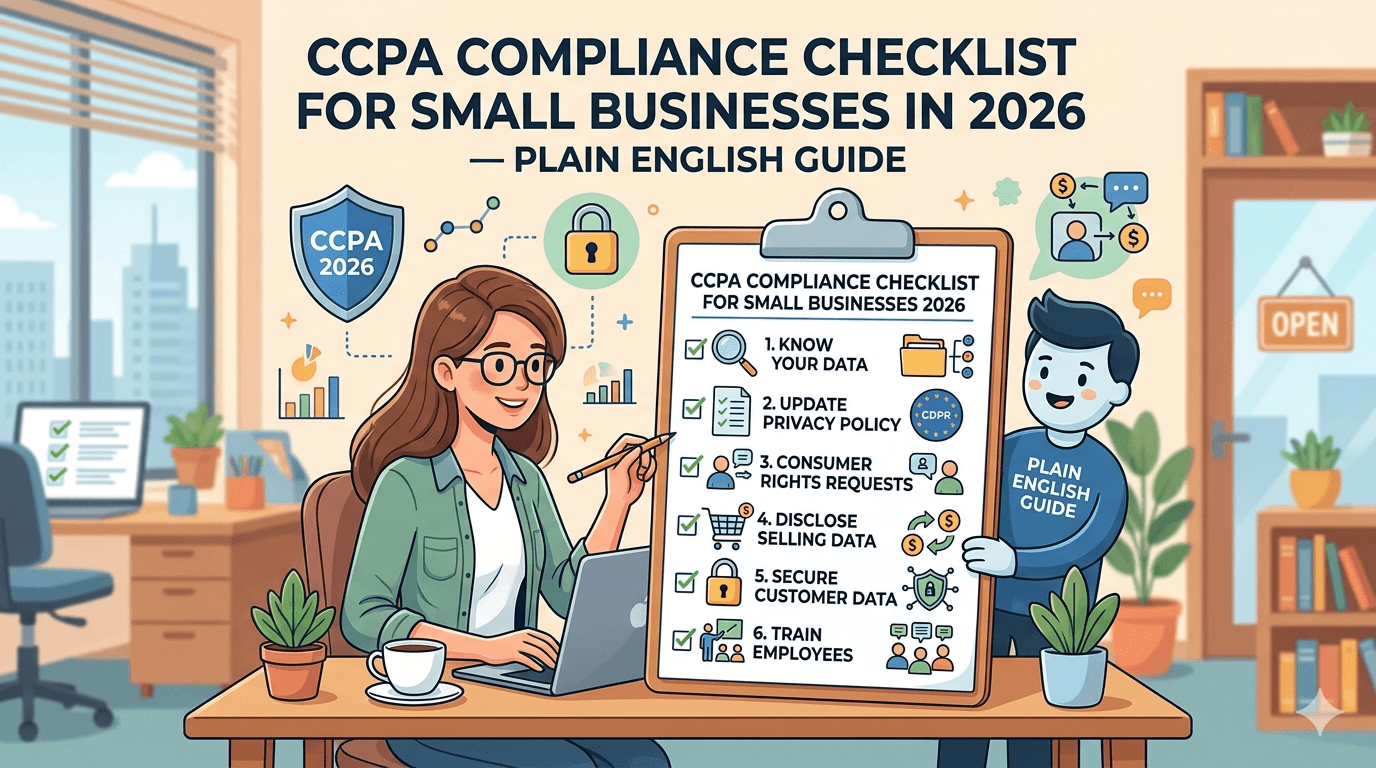
Printable CCPA Compliance Checklist for Small Businesses (2026)
Use this checklist to track your compliance progress. Click each item to mark it complete.
Frequently Asked Questions
The bottom line: CCPA compliance is not a one-time project
CCPA and CPRA compliance is an ongoing operational practice. The law requires annual privacy-policy updates, a functioning consumer request process, up-to-date vendor contracts, and a consent mechanism that actually blocks data sharing — not just displays a notice. California's Privacy Protection Agency is actively enforcing, and the threshold to trigger obligations is lower than most small business owners realise.
The best place to start today is your website: understand every tracker and pixel firing on your pages, ensure your consent banner technically blocks them by consent state, and add a functioning "Do Not Sell or Share" link. Everything else builds on that foundation.
Scan Your Site for Free — Instant Results